How WalkAudit works
From the driveway to a signed PDF in four steps.
WalkAudit is built for the way property managers actually work: on a phone, in a hurry, often without a signal. Here is the whole workflow.
Step 1
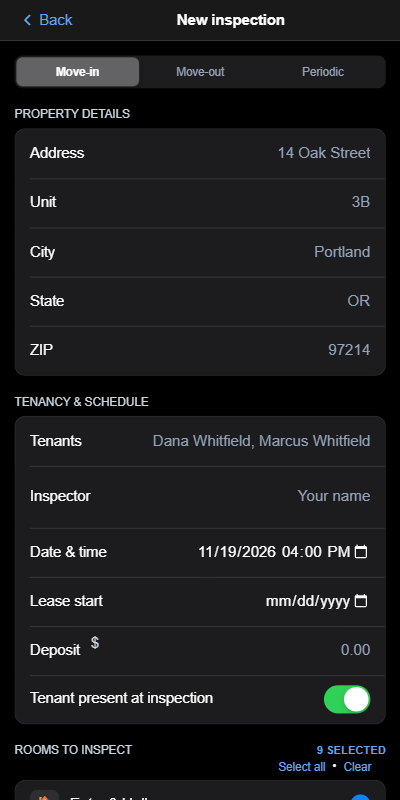
Start a new inspection
Open WalkAudit, choose move-in or move-out, and pick the unit. The inspection is ready to walk in a few taps.
Everything you need is already on your phone, so you can start the walkthrough from the driveway.
Step 2
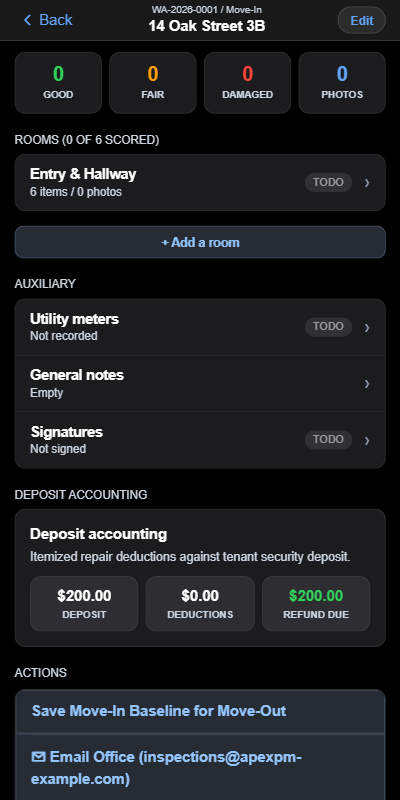
Walk each room and log defects offline
Take photos and add notes room by room. Each photo gets the date, time, GPS location, and room printed on it. At the end, you and the tenant sign on the screen.
No signal is needed. Basements, garages, and rural units work the same as any other room.
Step 3
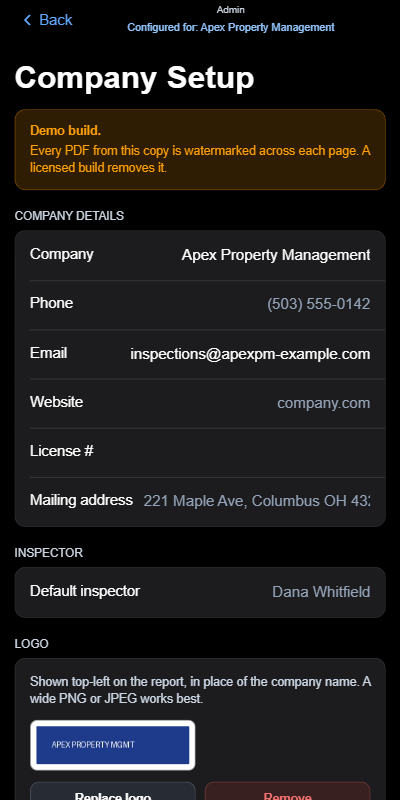
Add your company branding
Set up your company name, logo, and details once. Every report you create carries your branding on the Team and Enterprise plans.
Tenants and owners receive a report that looks like it came from your firm, not from a generic app.
Step 4
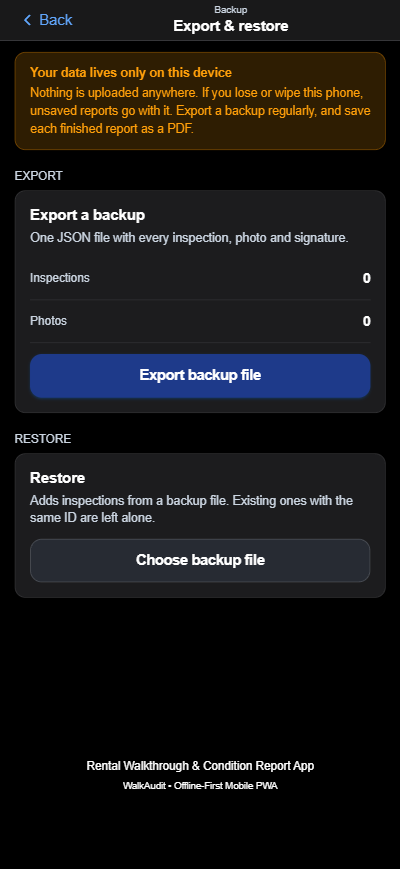
Export the PDF and back up your records
Create the finished PDF on your phone and share it before you leave. Export a backup file so your records are always safe and yours.
Backups can be imported again later, so a lost phone does not mean lost evidence.
Why stamped, signed PDFs hold up in a deposit dispute
Security deposit disputes come down to proof. A clear record is easier to rely on than memory and a camera roll.
What the report shows
- The date and time on every photo, printed on the image itself.
- The GPS location, so the photo is tied to the property.
- The room name, so nobody has to guess where a defect is.
- Signatures from the inspector and the tenant, with the date.
Why that matters
- Printed details stay on the photo even when it is texted or emailed.
- A signed record shows the tenant saw the condition of the unit.
- One PDF keeps the whole story together instead of scattered files.
- You can keep the PDF and a backup forever.
WalkAudit helps you build stronger evidence, but no software can guarantee a legal outcome. Rules differ by state, so talk to a local attorney about your situation.